> ## Documentation Index
> Fetch the complete documentation index at: https://explore-assistant.datadriven.works/llms.txt
> Use this file to discover all available pages before exploring further.
# Setup
> Set up the Looker Explore Assistant
# BigQuery examples
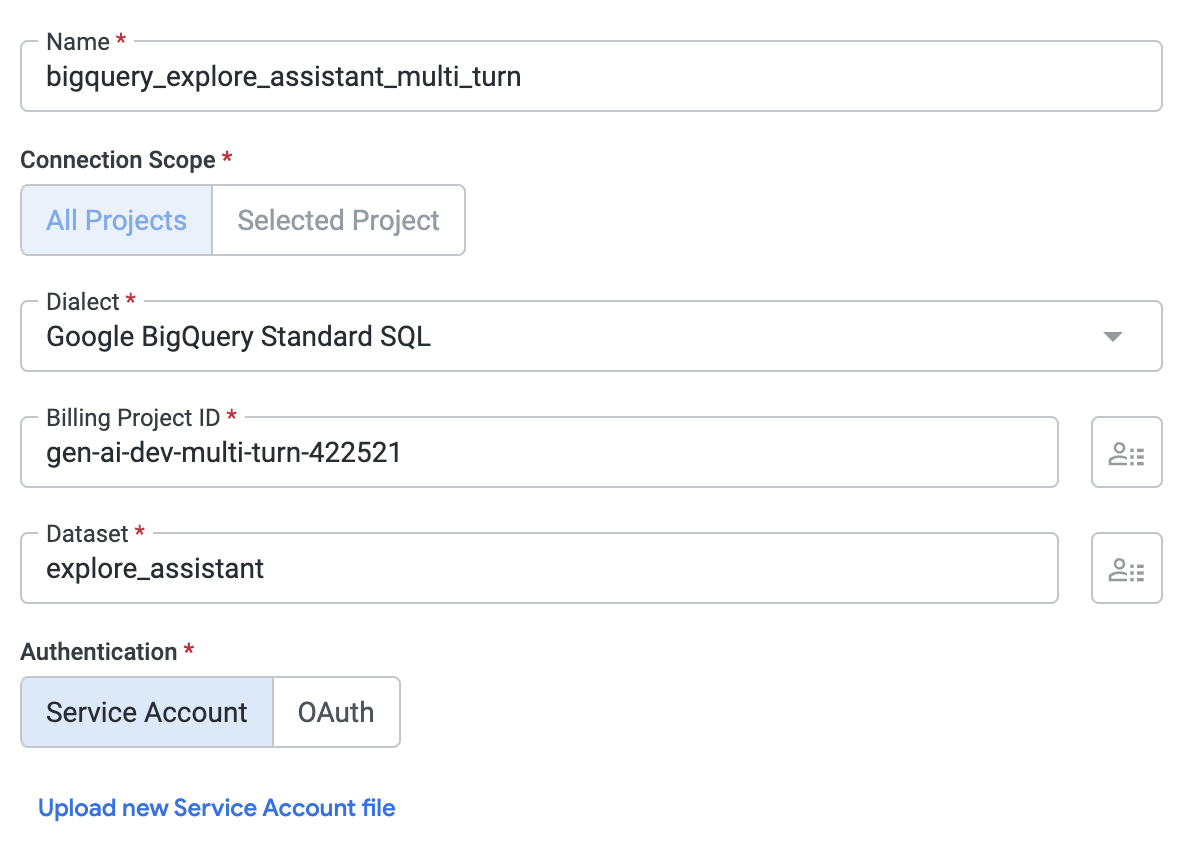
If you're loading the examples from BigQuery, then the user needs to be able to fetch them through the API. They will need access to a model that has the connection setup, or if they are an admin they can use the connection directly.
## Dummy Model
If the Explore Assistant user isn't an admin, they need explicit permission to fetch the examples. As an admin, you can access all connections direclty.
```lookml theme={null}
connection: "bigquery_explore_assistant_multi_turn"
```
## Minimum Permissions
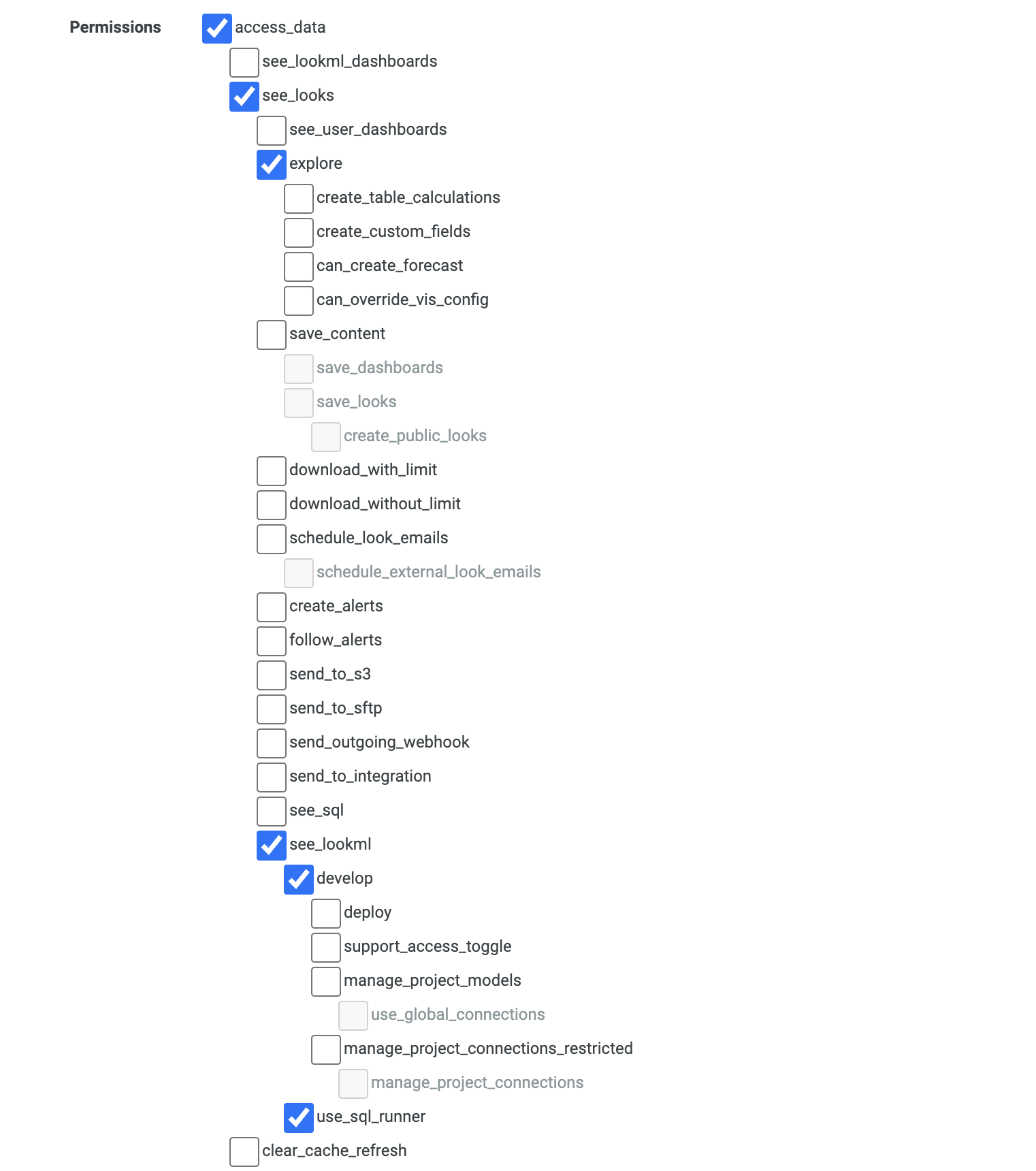
To use the Looker Explore Assistant, you need the following permissions:
* access\_dataset
* looks
* explore
* see\_lookml
* develop
* use\_sql\_runner
 ```lookml theme={null}
connection: "bigquery_explore_assistant_multi_turn"
```
## Minimum Permissions
To use the Looker Explore Assistant, you need the following permissions:
* access\_dataset
* looks
* explore
* see\_lookml
* develop
* use\_sql\_runner
```lookml theme={null}
connection: "bigquery_explore_assistant_multi_turn"
```
## Minimum Permissions
To use the Looker Explore Assistant, you need the following permissions:
* access\_dataset
* looks
* explore
* see\_lookml
* develop
* use\_sql\_runner